Platform
Connect Nizam to your tools
A public API and signed webhooks to connect Nizam to your tools; recipes for Zapier, Make and n8n. Your data moves without manual exports, with access you control.
Demo on request · Pricing on request · Guided setup
Data copied from one tool to another
CSV exports on Fridays, copy and paste between the shop, the CRM and invoicing.
- The same contacts and orders are entered in several tools
- An external tool learns about a paid invoice days late
- Connecting two programs means sharing a password
A public API v1
API v1 reads and creates your company’s data with an API key, within the key’s permissions. Its documentation is an OpenAPI 3.1 file: your technical team or provider finds every route and field there.
- Keys created by the owner or an administrator, with only the permissions needed (for example « read contacts »)
- Optional expiry and allowed IP addresses; renewal and revocation at any time
- Idempotency key required on creations that involve money or a numbered document: a resent request creates nothing more
- Rate limits per key and per organisation, errors in problem+json format
Signed webhooks
A webhook sends a short message to the HTTPS address of your choice when an event happens: invoice issued or paid, payment received, quote accepted, order confirmed, delivery note delivered, supplier invoice recorded, document received, posting proposal validated, accounting export created.
Each message is signed under the Standard Webhooks specification and carries identifiers only: your tool checks the signature, then reads the details through the API. If your address does not answer, Nizam retries for about three days, and the log lets you resend missed messages.
Recipes for Zapier, Make and n8n
The documentation offers step-by-step recipes to connect Nizam to Zapier, Make or n8n using the webhooks and the API. They are documented examples, not apps published by those tools.
Access under control
Each key acts with the rights of the person who created it, limited to the chosen permissions. API keys and signing secrets are shown only once. Nizam refuses webhook addresses over http or on a local or private network, and does not follow redirects.
An accounting firm can also create keys from its workspace: they read a client’s data only through an active firm access, within its permissions, and read-only.
Pricing
On request: our pricing depends on your modules, number of users and the support you need.
Frequently asked questions
How do I get access to the API?
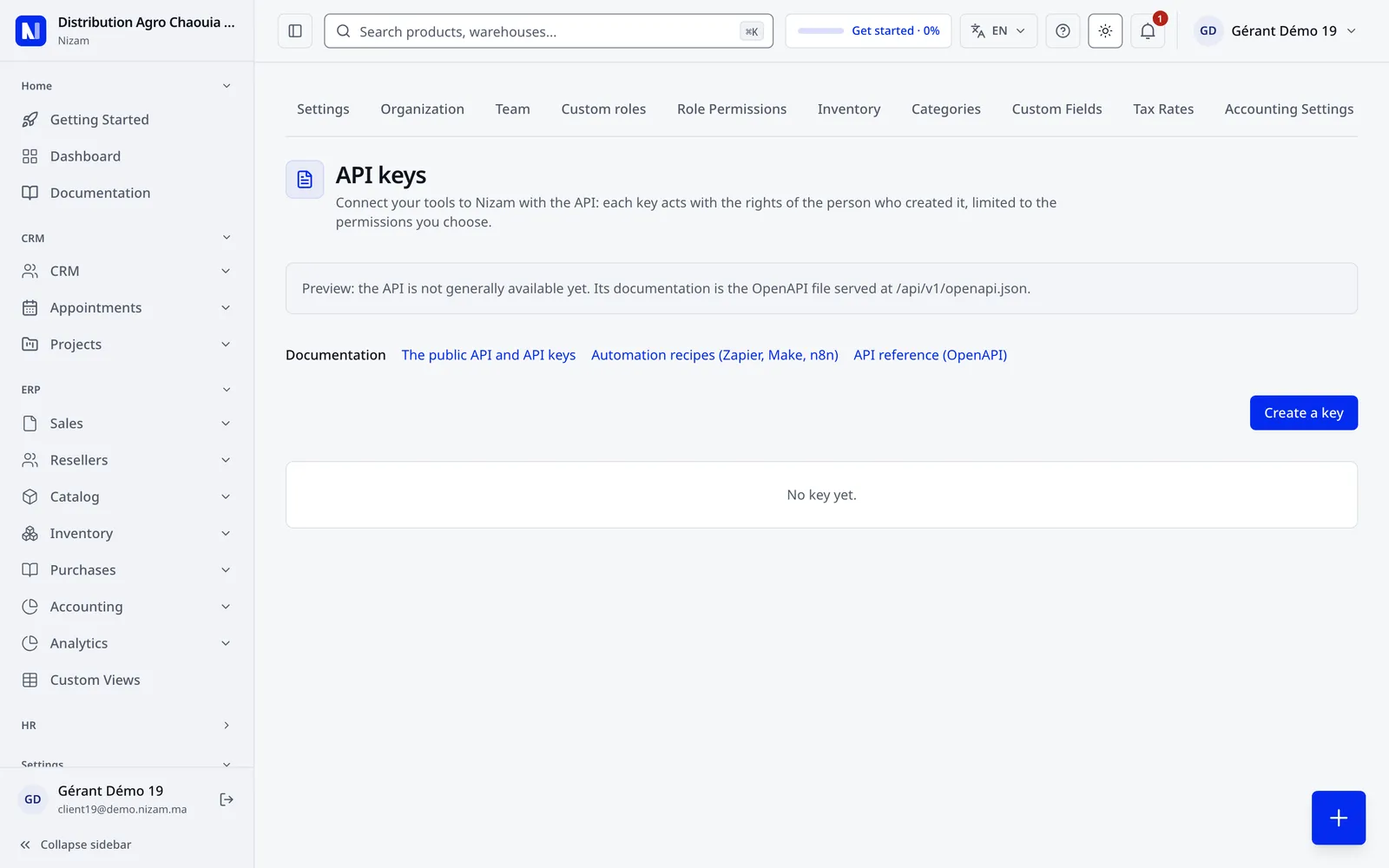
The API is switched on for your company on request. The owner or an administrator then creates keys in Settings › API, choosing the permissions, the expiry and, if needed, the allowed IP addresses.
Does Nizam have an official Zapier, Make or n8n integration?
No. Nizam publishes documented recipes that use its webhooks and API in those tools; they are not apps published by Zapier, Make or n8n.
How do I check that a webhook really comes from Nizam?
Each message is signed with a secret specific to the webhook, under the Standard Webhooks specification. Your tool checks the signature before processing the message.
What happens if a creation is sent twice?
With the same idempotency key, within 24 hours, the second request creates nothing and gets the response already recorded: no duplicate invoice or payment.
Connect Nizam to your tools
Tell us about your integration needs: we switch on the API and webhooks for your company.