Feature
Your negotiated prices, applied everywhere
Framework contracts, customer discounts, project prices, price schedules imported from Excel: the right price applies automatically on every quote.
Demo on request · Pricing on request · Guided setup
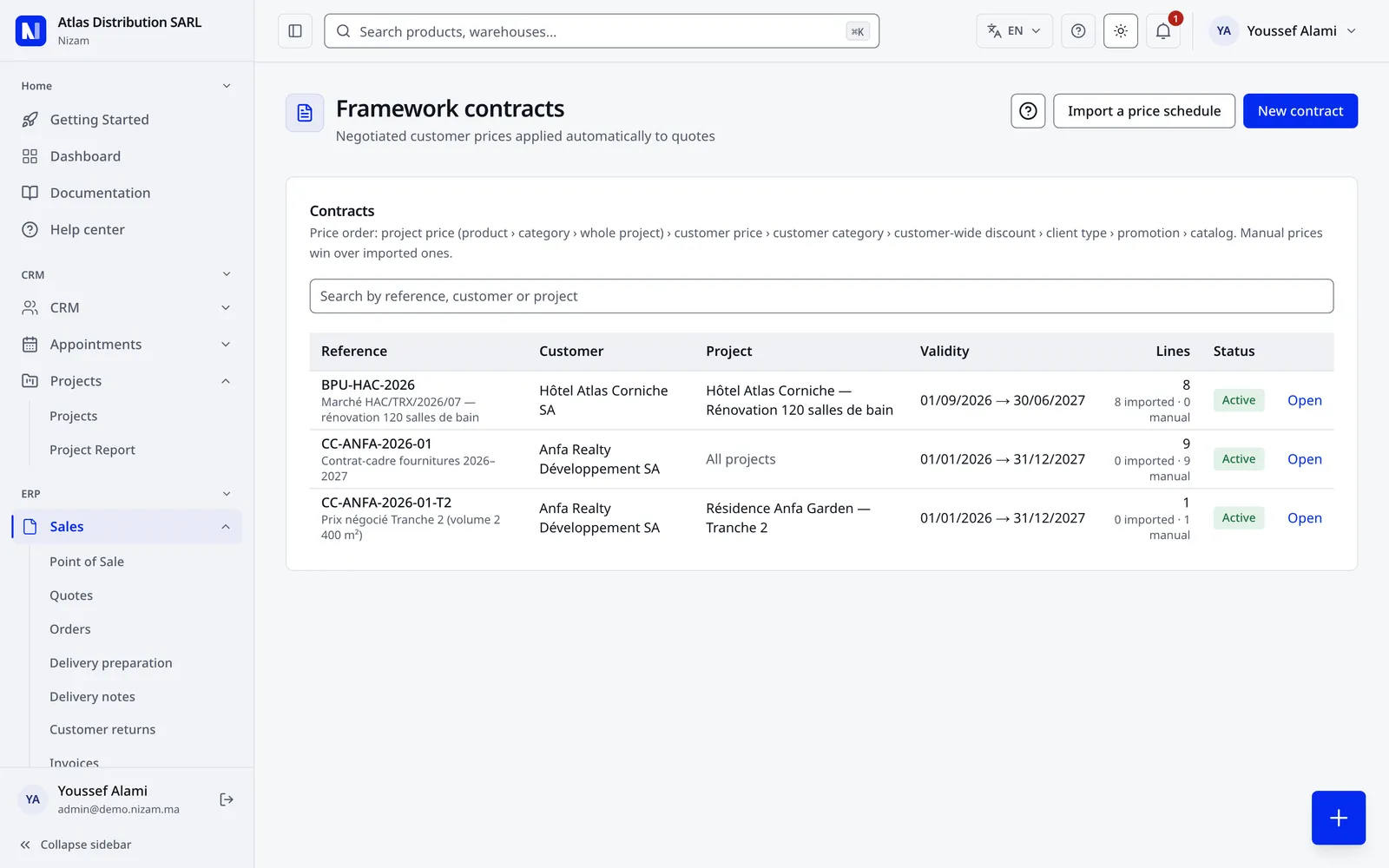
Price rules per customer, project or category
Record framework contracts as price rules per customer, project, category or product, with validity dates, as a fixed price or a percentage.
On every quote the right price applies in order of priority. An authorised manual change is still possible, and it is logged.
Price-schedule import
Import your customer’s price schedule or your catalogue from Excel or CSV. Every import is logged, a file already imported is detected, and your manual changes are kept on re-import.
Your customer’s labels
Replace an item’s label for a given customer or project, for example to match a tender’s wording exactly. The label appears on the quote and the following documents without changing your catalogue.
Pricing
On request: our pricing depends on your modules, number of users and the support you need.
Frequently asked questions
How do I manage framework contracts and negotiated prices per customer?
Nizam stores your framework contracts as price rules per customer, project, category or product, with validity dates, as a fixed price or a percentage. On every new quote, the right price applies automatically in order of priority. An authorised manual change is still possible, and it is logged.
Can I rename items to match the customer’s specifications?
Yes. Nizam lets you replace an item’s label for a given customer or project, for example to reuse the exact wording of a tender. The custom label appears on the quote and the following documents, without changing your catalogue.
Can I import my Excel data into Nizam?
Yes. Nizam imports six kinds of Excel or CSV files: your product catalogue, your contract prices (including your customers’ price schedules, bordereaux de prix), your stock quantities per warehouse, your customers and suppliers, and the unpaid customer and supplier invoices of your previous software. Every import goes through a preview you confirm and is logged, a file already imported is detected, and your manual price or label changes are kept when you import again. A customer or supplier already in Nizam (same ICE, else same name and phone) is skipped or completed, as you choose.
Quote faster with your own prices
Import a price schedule and prepare a quote at contract prices.