Feature
Supplier purchasing linked to your stock and sales
Supplier purchase orders, receipts in one or several shipments, and stock updated the moment goods arrive.
Demo on request · Pricing on request · Guided setup
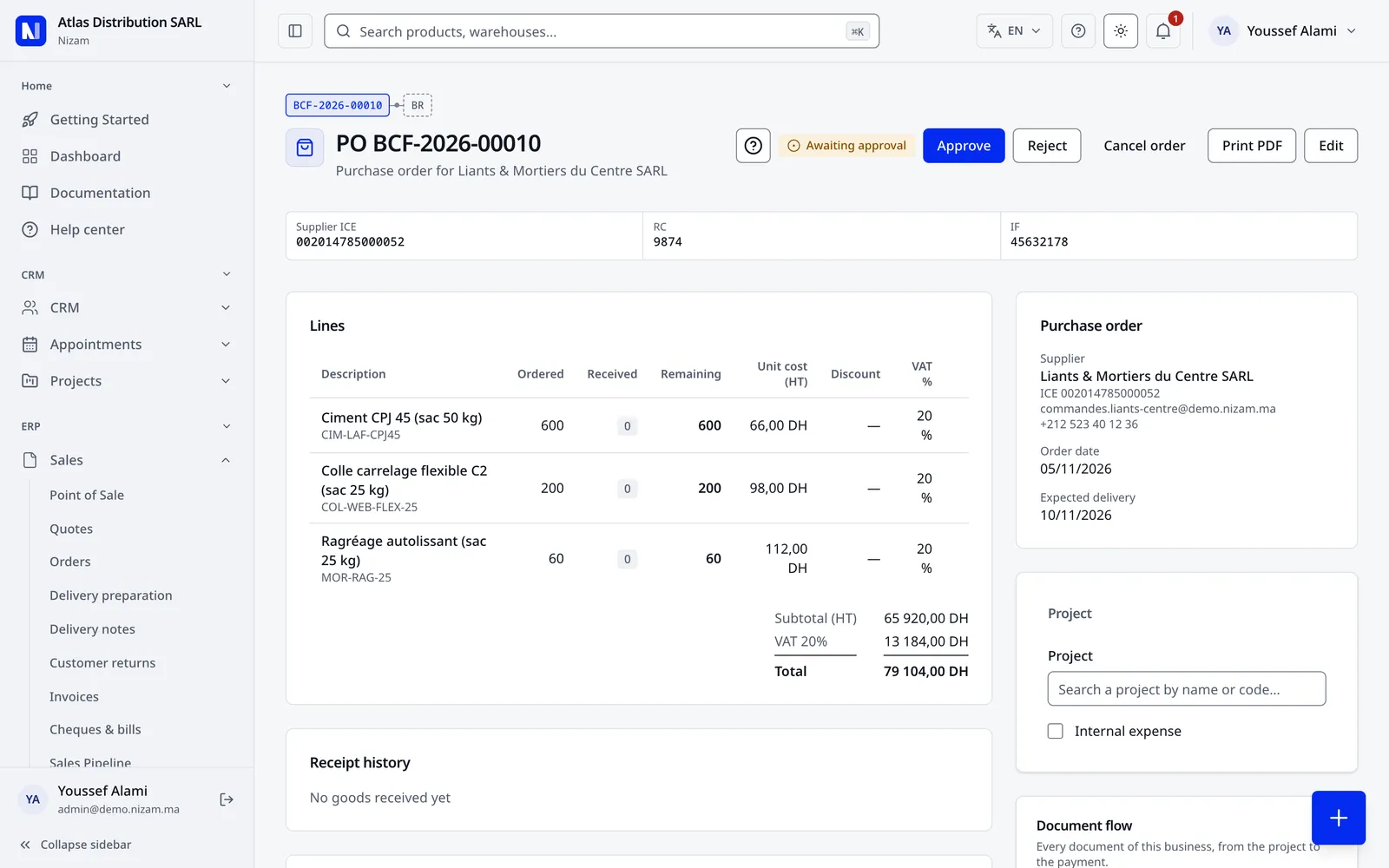
Supplier purchase orders
Create a supplier purchase order as a PDF, optionally from a customer order so you buy what was sold.
For teams that want it, purchase-order approval by a manager is available (on activation).
Partial receipts
Record one or several receipts per order. Each receipt increases stock in the chosen warehouse, flags differences and refuses unauthorised over-receipt.
The order automatically moves to “partially received” or “received”.
Buy from your sales
With the “sell before procure” option, confirmed customer orders without stock show the matching purchase need (on activation). Delivery stays blocked until the goods are received.
Pricing
On request: our pricing depends on your modules, number of users and the support you need.
Frequently asked questions
How do supplier purchases and receipts work?
You create a supplier purchase order, optionally subject to approval, then record one or several receipts. Each receipt updates the stock of the chosen warehouse, flags differences and refuses an unauthorised over-receipt. The order moves automatically to “partially received” or “received”.
Can I sell a product that is not in stock yet?
Yes, if the “sell before you buy” option is switched on. The order is confirmed, virtual stock goes negative and Nizam shows the matching purchasing need. Physical stock can never go negative: the delivery stays blocked until the goods are received.
Does Nizam warn me when stock is low?
Yes. Nizam shows low-stock alerts based on the thresholds you set, plus stock and valuation reports per warehouse. This helps you decide what to order before running out, and purchasing needs from confirmed orders appear when the “sell before you buy” option is on. You can then create the supplier purchase order directly.
Buy what you need, when you need it
Link purchasing to your stock and customer orders.